NVIDIA HOLOSCAN SDK / 5
Two workloads.
One runtime.
Your code.
Holoscan SDK (HSDK) lets you build GPU-accelerated perception and real-time control with one programming model. Combine ready-built Holoscan Modules with your own Python or C++ code.
Apache 2.0 Licensed Open SourceInspect the runtime. Extend the operators. Build your product.
01 / HOLOSCAN MODULES
Start with modules
Add your algorithms
Ready-built operators get your pipeline moving. Start with camera input, multimedia, and visualization, then connect your own processing and control.
Apache 2.0 licensed Holoscan operators give you source to inspect and extend. Reuse a module, replace a processing stage, or package your own GPU algorithm in the same application graph.
02 / A GRAPH YOU CAN REASON ABOUT
Write the algorithm.
Connect the possibilities.
Operators do the work. Typed ports carry the data. Graphs connect the application. The same building blocks express perception pipelines and control loops.
Make timing part of the model: react to each sample, trigger from a clock, or select a bounded window of sensor data.
Compose a typed graph. Operator definitions are in the downloadable example.
import holoscan as hs
from first_pipeline import CounterSource, DoubleIt, PrintSink

graph = hs.Graph(
    "first-pipeline",
    default_clock=hs.RealtimeClock,
)

source = graph.op(CounterSource, "source", limit=10)
doubler = graph.op(DoubleIt, "doubler")
sink = graph.op(PrintSink, "sink")

# Connect typed ports with bounded queues.
graph.add_flow(source.out, doubler["in"], queue_depth=4)
graph.add_flow(doubler.out, sink["in"], queue_depth=4)

# Compile before execution.
plan = hs.compile(graph)
if not plan:
    raise SystemExit(plan.summary())
The same composition model in C++. Excerpt with application-defined operators.
holoscan::Graph graph{"first-pipeline"};

auto source = graph.op<CounterSource>("source", 10U);
auto doubler = graph.op<DoubleIt>("doubler");
auto sink = graph.op<PrintSink>("sink");

graph.add_flow(
    source->out, doubler->in,
    holoscan::ConnectionOptions{.queue_depth = 4U});
graph.add_flow(
    doubler->out, sink->in,
    holoscan::ConnectionOptions{.queue_depth = 4U});

graph.set_default_clock(
    graph.add_clock<holoscan::RealtimeClock>("clock"));

const auto plan = holoscan::compile(graph);
if (!plan.ok()) {
  std::cerr << plan.json() << '\n';
  return 1;
}
Define the ports, declare when to run, and implement your computation.
import holoscan as hs

class DoubleIt(hs.Operator):
    input = hs.Input("in", hs.payload.uint32)
    output = hs.Output("out", hs.payload.uint32)

    def setup(self, spec):
        spec.input(self.input, queue_depth=4)
        spec.output(self.output)

    def contract(self):
        return hs.Contract().trigger(
            hs.OnEach(self.input)
        )

    def compute(self, context):
        value = self.input.receive_data()
        self.output.emit(value * 2)
Two operator contract examples: a periodic source and camera-anchored sensor fusion.
# A source driven by the graph's clock.
def contract(self):
    return hs.Contract().trigger(
        hs.OnClock(period=hs.time.ms(10))
    )

# A fusion operator with camera and IMU input ports.
def contract(self):
    return (
        hs.Contract()
        .trigger(hs.OnWindow(
            anchor=self.camera,
            max_wait=hs.time.ms(20),
            max_pending_windows=2,
        ))
        .input(self.camera, hs.Exact())
        .input(self.imu, hs.BracketedWindow(
            lookbehind=1, lookahead=1, max_samples=16,
        ))
        .on_missing(self.imu, hs.SafeDefault())
    )
Inspect the compiled plan, then run with explicit lifecycle control.
from pathlib import Path
import holoscan as hs
from first_pipeline import build_graph, PipelineObservation

plan = hs.compile(build_graph())
if not plan:
    raise SystemExit(plan.summary())

# Save the execution plan for inspection.
Path("execution-plan.json").write_text(plan.json())

with hs.run_async(plan) as session:
    complete = PipelineObservation.wait_for(10, 5.0)
    session.request_stop()
    stopped = session.wait(timeout=5.0)

if not complete or not stopped:
    raise TimeoutError("Pipeline did not complete")
if session.diagnostics:
    raise RuntimeError(session.diagnostics)
Holoscan API excerpts. The complete Python example includes operator definitions and lifecycle handling.
03 / REARCHITECTED FOR BOTH
The execution path
your workload deserves
Perception needs GPU throughput and low end-to-end latency. Control needs very low overhead and timing variability. Holoscan brings both into one runtime, with execution paths designed for their different demands.
GPU-resident pipelines
Keep tensors on the GPU from processing through inference. Connect Sensor Bridge acquisition with GPUDirect RDMA.
CUDA Graphs
Capture eligible GPU operator chains and replay them with one launch to reduce CPU dispatch and kernel-launch overhead.
Pinned CPU cores
Bind runtime threads to chosen CPU cores. Control execution placement and reduce migration in time-sensitive paths.
CUDA green contexts
Explicitly assign GPU streaming multiprocessor sets to execution partitions on supported targets.
Developer previewBuild a GPU-in-the-loop ultrasound system: process incoming echoes, run your adaptive beamformer, and compute the next transmit settings in the same application graph.
Explore the open ultrasound reference design04 / SUPPORTED PLATFORMS
Choose your compute
Bring your graph
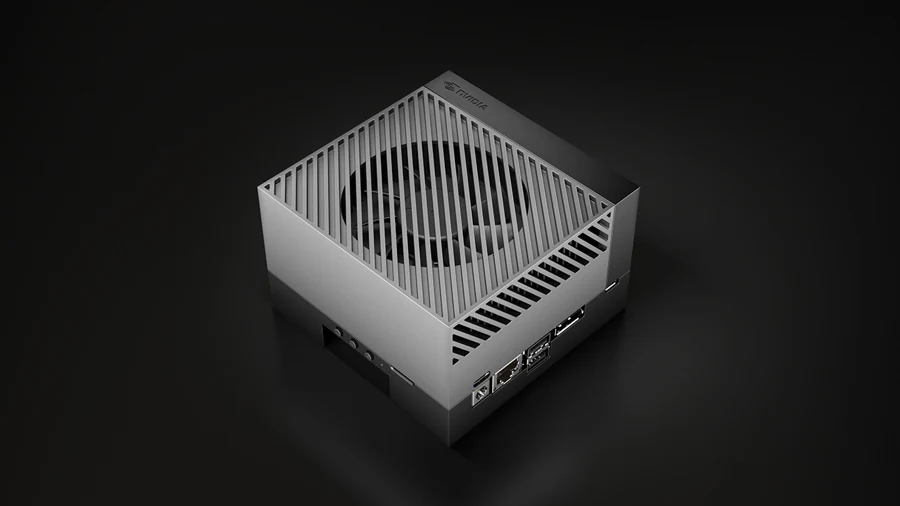
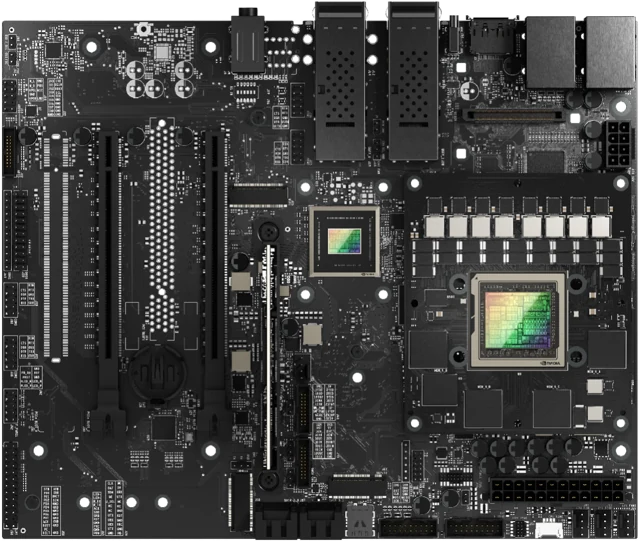
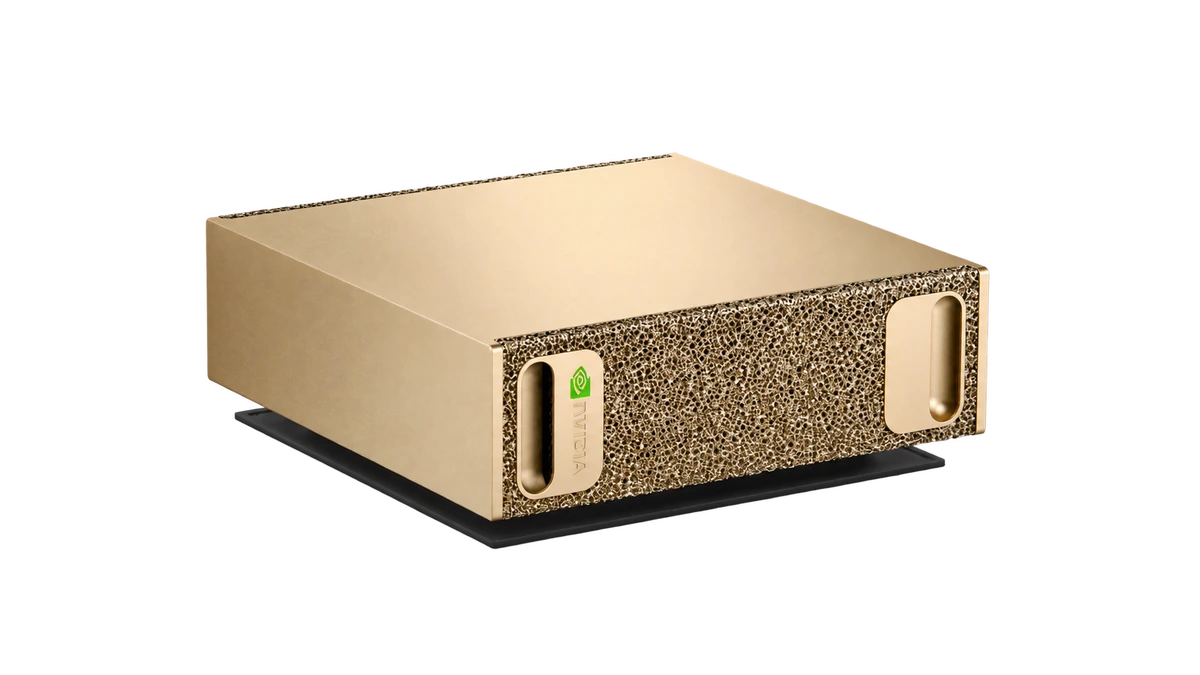
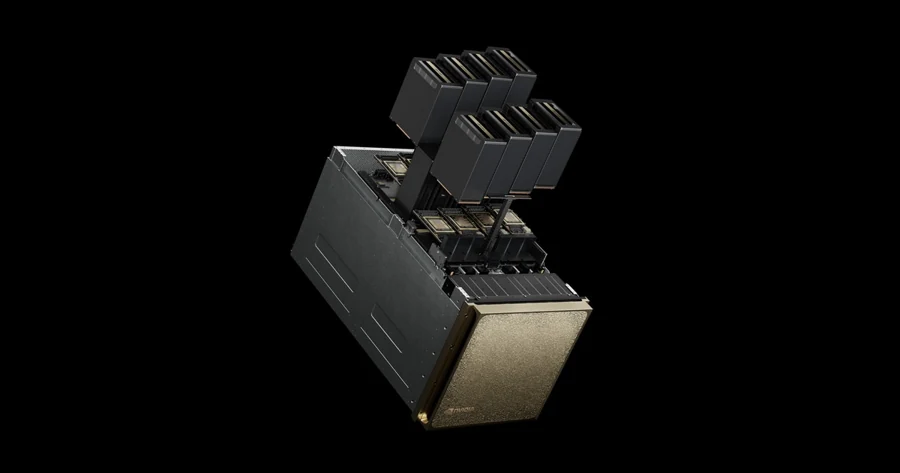
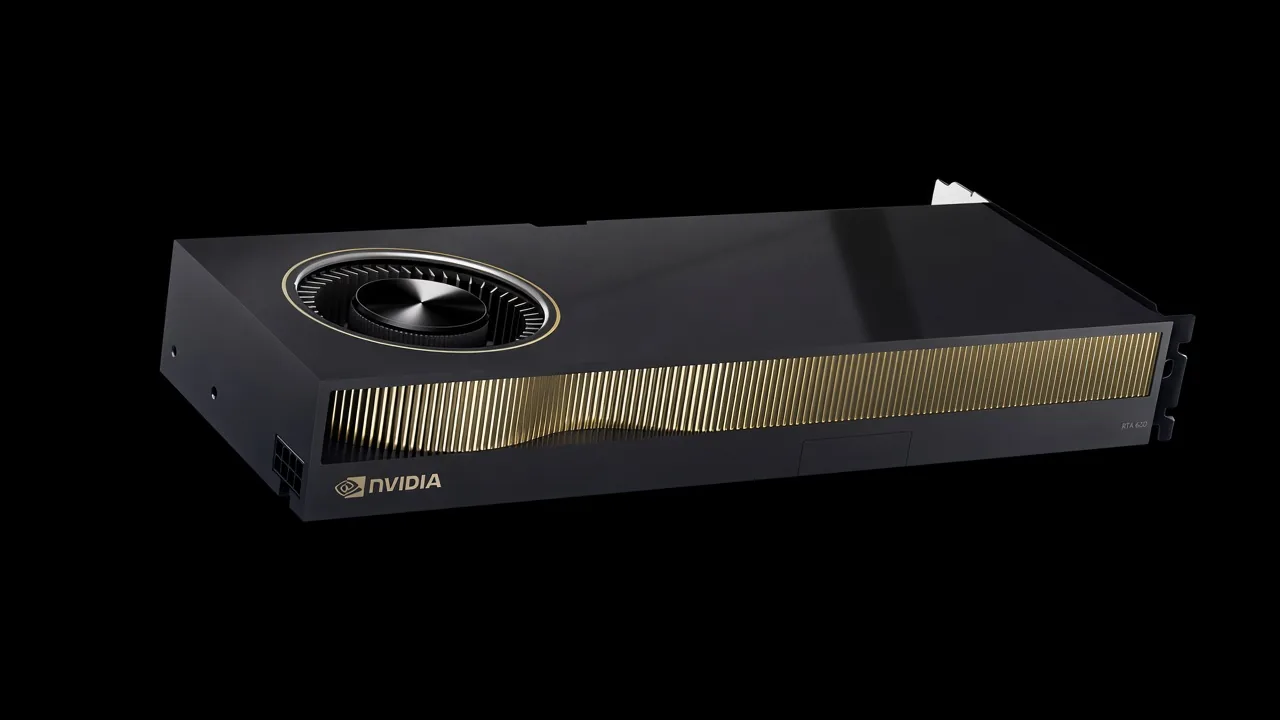
Holoscan supports Jetson Orin, Jetson and IGX Thor, DGX Spark, DGX, and x86 systems. Find your platform, its software foundation, and the setup path.
Explore platform support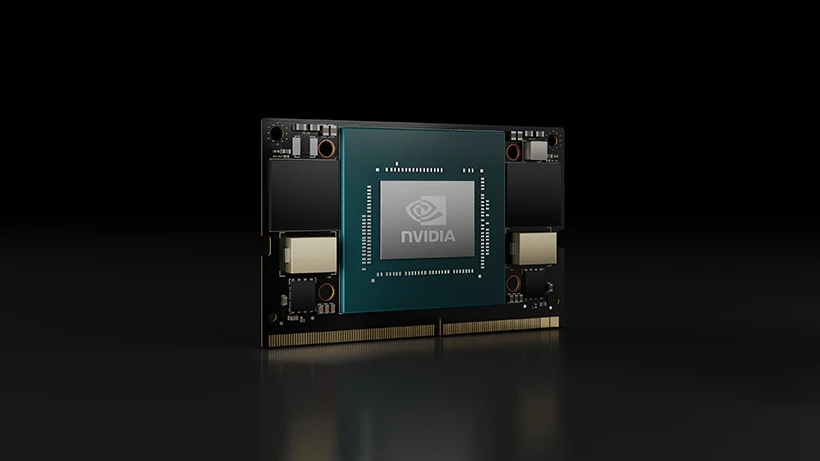
05 / GO FROM IDEA TO APPLICATION
Everything to get moving
Documentation
Explore concepts, APIs, setup guidance, and the developer guide.
Tutorials
Learn by building. Work through operators, pipelines, and integrations.
Examples
Explore reference applications and patterns for real sensor workloads.
Benchmarks
Measure latency, scheduling, and inference performance on your hardware.