Legacy example · Python · Version 1.0
Yolo Object Detection
| Authors | Holoscan Team (NVIDIA) |
|---|---|
| Supported platforms | x86_64, aarch64 |
| Language | Python |
| Version | 1.0 |
| Compatibility | HSDK 1.0.3 |
| Contribution level | Level 2 · Quality code |
| Source | HoloHub |
Legacy HoloHub application
This application comes from HoloHub and was last tested with Holoscan SDK (HSDK) 1.0.3. It runs with the HoloHub CLI, ./holohub.
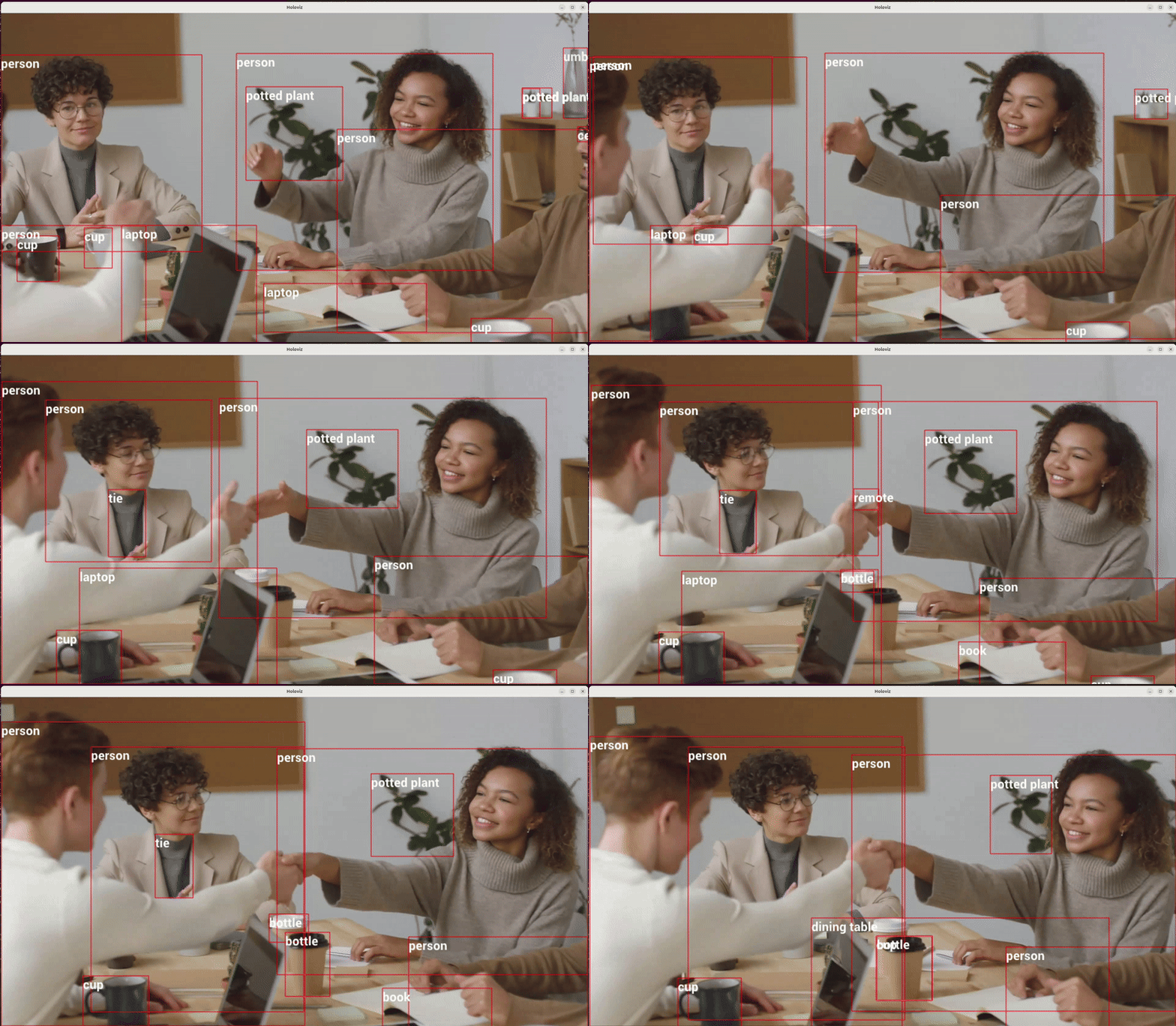
This project is aiming to provide basic guidance to deploy Yolo-based model to Holoscan SDK as "Bring Your Own Model"
Supported Platforms
The demo container environment supports x86 or arm64 platforms with a discrete GPU.
Users targeting a Jetson platform (integrated GPU) may need to install Jetson PyTorch packages in their demo environment.
Model
- Yolo v8 model: https://github.com/ultralytics/assets/releases/download/v0.0.0/yolov8s.pt
- Yolo v8 export repository: https://github.com/triple-Mu/YOLOv8-TensorRT
In this application example, we use the YOLOv8s model, which is converted to ONNX format using the repository mentioned above. Note that if you provide your own ONNX model, ensure it includes the EfficientNMS_TRT layer. You can verify it using Netron. Additionally, we employ the graph_surgeon.py script to modify the input shape. For more details on this script, refer to graph_surgeonpy.
The detailed process is documented in the CMakeLists.txt file.
Input Source
This app currently supports two input options:
- v4l2 compatible input device
- Pre-recorded video
Data
This application downloads a pre-recorded video from Pexels when the application is built. Please review the license terms from Pexels.
Run
Build and launch container. Note that this will use a v4l2 input source as default.
./holohub run yolo_model_deployment
Video Replayer Support
If you don't have a v4l2 compatible device plugged in, you can also run this application on a pre-recorded video. To launch the application using the Video Stream Replayer as the input source, run:
./holohub run yolo_model_deployment --run-args="--source replayer"
Configuration
For application configuration, please refer to the yolo_detection.yaml.