Legacy example · C++ · Python · Version 0.1.0
Slang Gamma Correction
Example for using the Slang shading language operator for gamma correction
| Authors | Holoscan Team (NVIDIA) |
|---|---|
| Supported platforms | x86_64, aarch64 |
| Language | C++, Python |
| Version | 0.1.0 |
| Compatibility | HSDK 3.5 |
| Contribution level | Level 1 · Very high-quality code |
| Source | HoloHub |
Legacy HoloHub application
This application comes from HoloHub and was last tested with Holoscan SDK (HSDK) 3.5. It runs with the HoloHub CLI, ./holohub.
A Holoscan application demonstrating the integration of Slang shading language for GPU-accelerated gamma correction on image data.
Overview
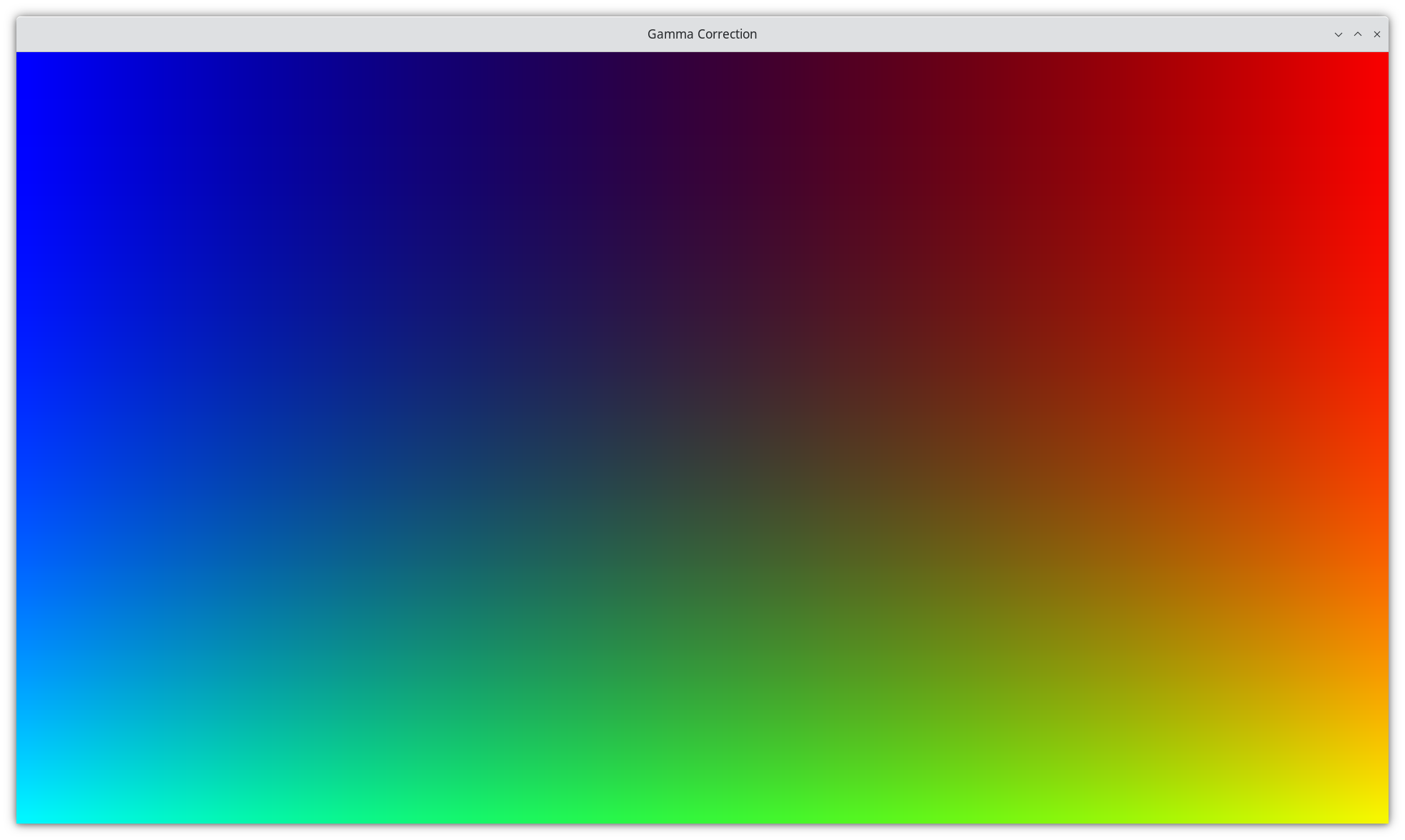
This application showcases how to use the Slang shading language operator (SlangShaderOp) within Holoscan applications for GPU-accelerated image processing. The example implements a pipeline that generates a test image with smooth color transitions, applies gamma correction using a Slang compute shader, and displays the result with proper sRGB color space handling.
What is Gamma Correction?
Gamma correction is a non-linear operation used to encode and decode luminance or tristimulus values in video or still image systems. It's essential for:
- Correcting the non-linear response of display devices
- Ensuring proper color reproduction across different devices
- Converting between linear and sRGB color spaces
- Improving image quality and color accuracy
What is Slang?
Slang is a shading language that provides a modern, high-level interface for GPU programming. It supports both traditional graphics shaders and compute kernels, making it ideal for GPU-accelerated image processing in Holoscan applications.
Application Structure
The application consists of four main components:
- SourceOp: Generates a 64x64x3 RGB test image with smooth color transitions
- GammaCorrectionOp: Processes the image using a Slang compute shader for gamma correction
- HolovizOp: Displays the processed image with proper sRGB color space handling
- Slang Shader: GPU-accelerated gamma correction kernel
Pipeline Flow
flowchart LR
   SourceOp --> GammaCorrectionOp
   GammaCorrectionOp --> HolovizOp
Prerequisites
- Holoscan SDK 3.5.0 or later
- CUDA-capable GPU (for GPU acceleration)
- Python 3.10+ (for Python implementation)
- C++ compiler with CUDA support (for C++ implementation)
Supported Platforms
- x86_64
- aarch64
Note: The IGX Thor iGPU platform is not supported. The Slang compiler bundled with
SlangShaderOpemits PTX that the CUDA driver on the IGX Thor iGPU platform cannot load, and the application fails at startup withthe provided PTX was compiled with an unsupported toolchain. (222). See the SlangShaderOp documentation.
Installation
- Clone the HoloHub repository
- Navigate to the slang_gamma_correction directory
Usage
Running the Application
# Run the Python version
./holohub run slang_gamma_correction

# Run the C++ version
./holohub run slang_gamma_correction --language=cpp
Customization
Modifying the Gamma Value
You can adjust the gamma correction parameter:
C++
auto gamma_correction = make_operator<ops::GammaCorrectionOp>(
    "GammaCorrection",
    Arg("gamma", 1.8f),  // Change this value
    Arg("data_type", std::string("uint8_t")),
    Arg("component_count", 3));
Python
gamma_correction = GammaCorrectionOp(
    self,
    name="GammaCorrection",
    gamma=1.8,  # Change this value
    data_type="uint8_t",
    component_count=3
)
Related Documentation
License
This project is licensed under the Apache License 2.0. See the LICENSE file for details.
Contributing
Contributions are welcome! Please refer to the HoloHub contribution guidelines for more information.